UT App
An MDM system created for an NGO in Africa to improve the management of mobile devices used by volunteers and staff.
- Duration
- 8 months
- Type
- MDM app concept
- Deliverables
- Wireframe, Design System, UI Design
- My role
- UI/UX, Prototyping
Overview
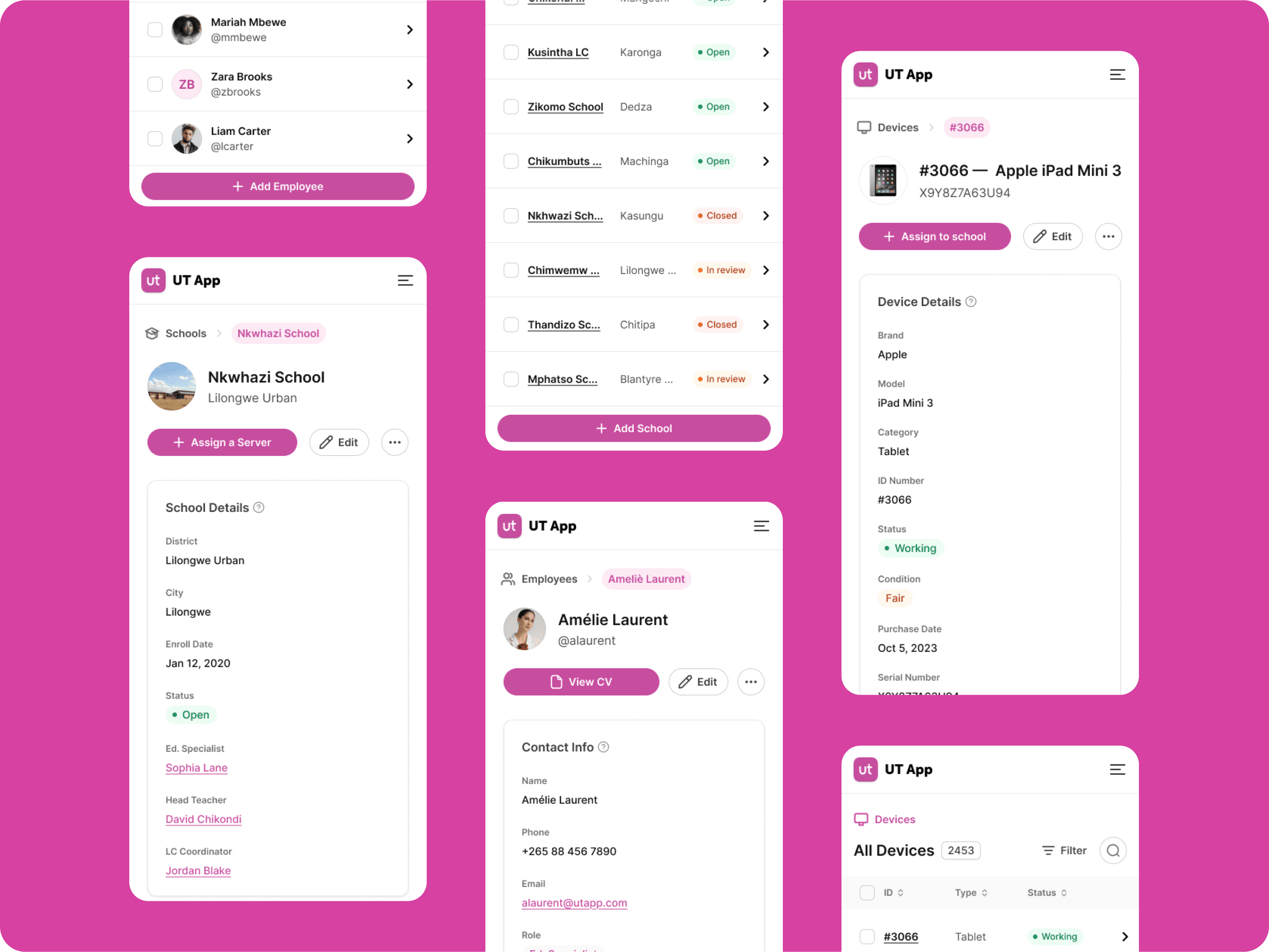
The app is an MDM system created for a NGO in Africa to improve the management of mobile devices used by volunteers and staff.
Background
They faced challenges in managing devices, leading to misallocation, lost devices, and maintenance delays. The app was developed to centralize device management and improve operational efficiency.
What I’ll cover
I’ll walk you through the app’s objectives, the design process, user insights, testing, and the app’s impact on improving device management for the NGO.
Unfortunately, due to privacy reasons, I can’t show the real deliverables of my work. This case study was prepared with summarized anonymous information and does not include any confidential details related to the client.
Definition
First, we defined success measures through the following key performance indicators (KPIs), then prepared a timeline of product design.
Time on Task
The average time required to complete critical tasks (e.g., allocating a device, updating user data, tracking a lost device).
Error Rate
Increase in the accuracy of device tracking, measured by the reduction in lost devices.
System Usability Scale
A score given by users based on the ease of use of the system, measured through a standardized survey.
Research goals & methods
Research phase
The research phase focused on understanding the needs of the users, identifying pain points in the current device allocation and tracking processes.
The research aimed to answer key questions such as:
- What are the technical difficulties in device allocation, tracking and maintenance?
- What is the NGO structure?
- How can we simplify the communication between members of the organization?
- How does the learning class works?
User needs
User-friendly system
Users need a system that must be simple and intuitive for users with minimal technical knowledge.
Offline and remote functionality
Users need reliable access, even in areas with limited or no internet connectivity, ensuring consistent support.
Pain points
“The process for assigning devices takes forever. It feels like I spend more time managing devices than doing my actual job.”
“We don’t have a good way to generate reports. I need to know how devices are being used or where there are issues.”
“When a device is lost or broken, it takes too long for the message to reach the right people. Whatsapp isn’t the right tool for this.”
Collected data
Data was collected through:
- Interviews with the NGO management and Educational Specialists to understand their needs and challenges.
- Field research in schools to gain insights into the device management processes.
- Team Canvas to gather feedbacks and potential improvements.
Empathy map
- Teachers need support to use tablets effectively.
- Every school faces unique challenges.
- How can I ensure teachers and children stay motivated?
- Are we making a sustainable impact?
- Conducts hands-on training sessions for teachers.
- Reports technical related challenges to IT.
- Hopeful: They are transforming education.
- Worried: Teachers are struggling to adapt to the new tools.
Problems statement
Problem 1
Difficulty in deploying and maintaining tablets due to limited IT infrastructure, expertise and personnel (2 people in IT, only one with expertise).
Problem 2
A lack of tool for managing large numbers of devices efficiently, leading to slow configurations and updates (3 months). Everything was on a whiteboard.
Problem 3
Limited support for offline functionality, making it harder to use devices in areas with poor or no internet connectivity.
Target definition
James Green
Educational Specialist
“Technology should make learning easier.”
Bio
James is a trainer with 10 years of experience mentoring teachers.
- Age:
- 38
- Education:
- Master in EL
Personality traits
- Empower teachers to confidently use technology in classrooms.
- Provide ongoing support and training with minimal disruption.
- Slow device setups and onboarding.
- Limited effectiveness in areas with no internet.
- Took 3 months to update all devices.
- All the schools and devices are on a whiteboard, it’s all physical.
- Only 2 people are in charge of IT management.
- Improve educational outcomes through effective tech use.
- Ensure the sustainability of the technology program.
Solution brainstorming
Proposed solution
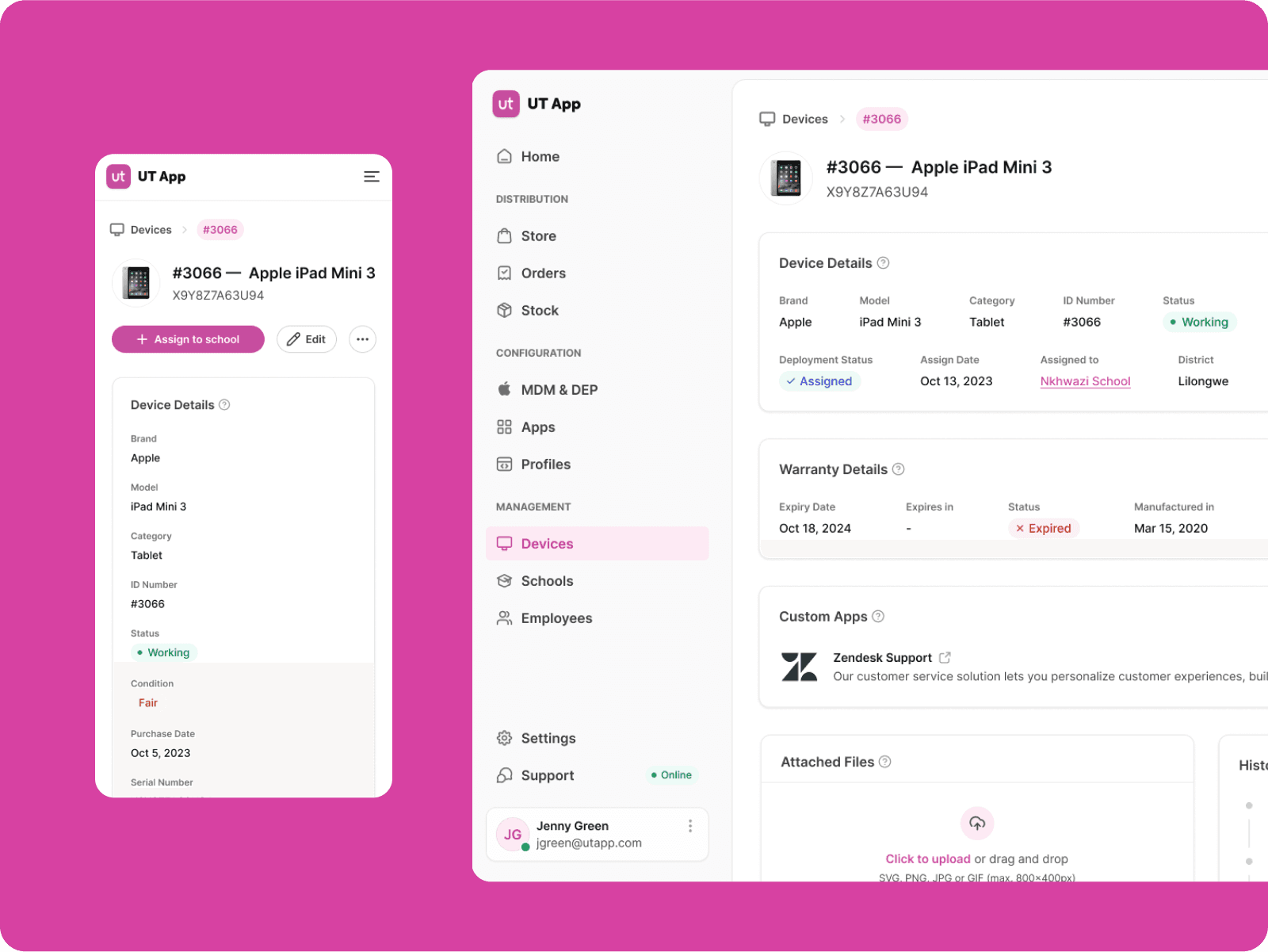
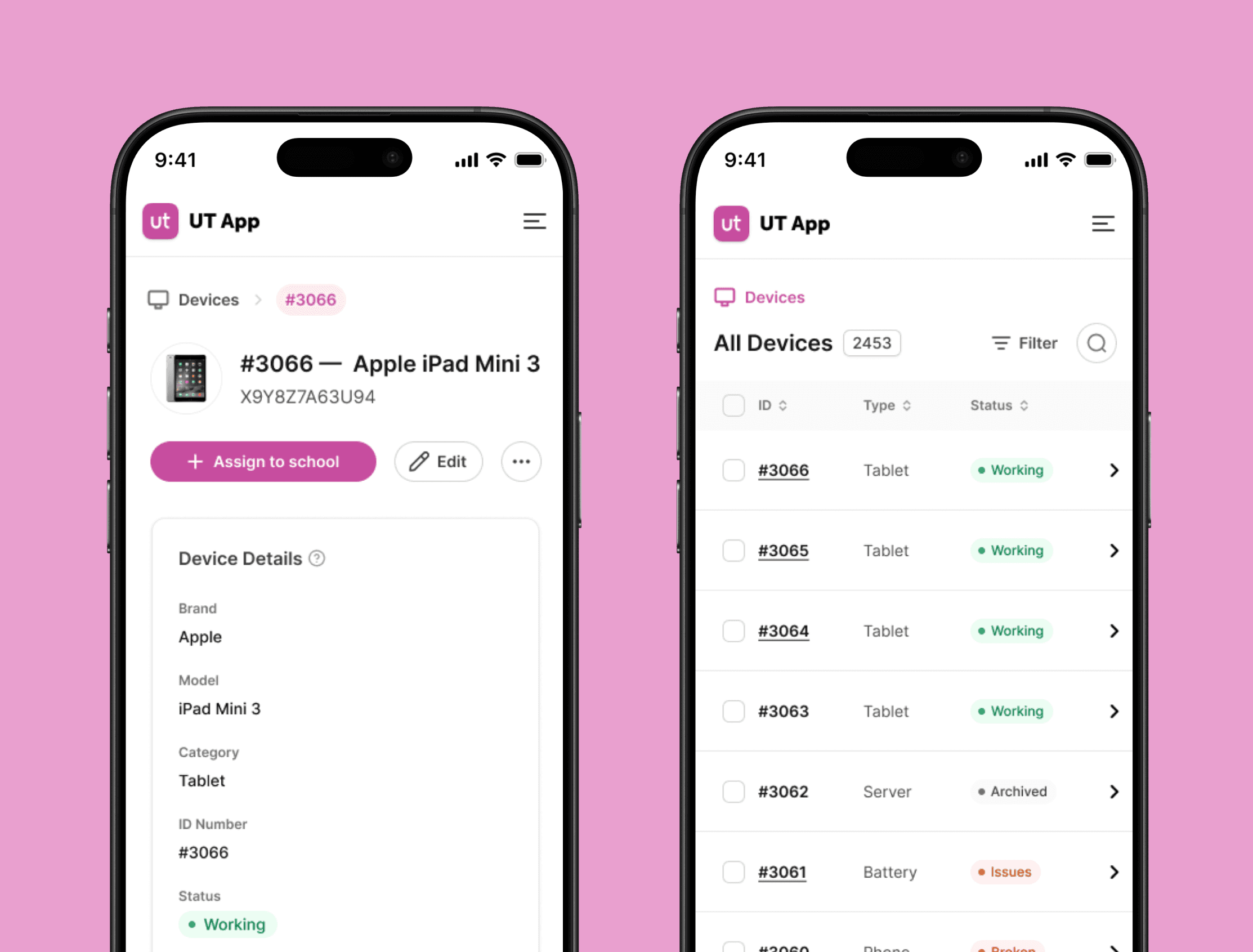
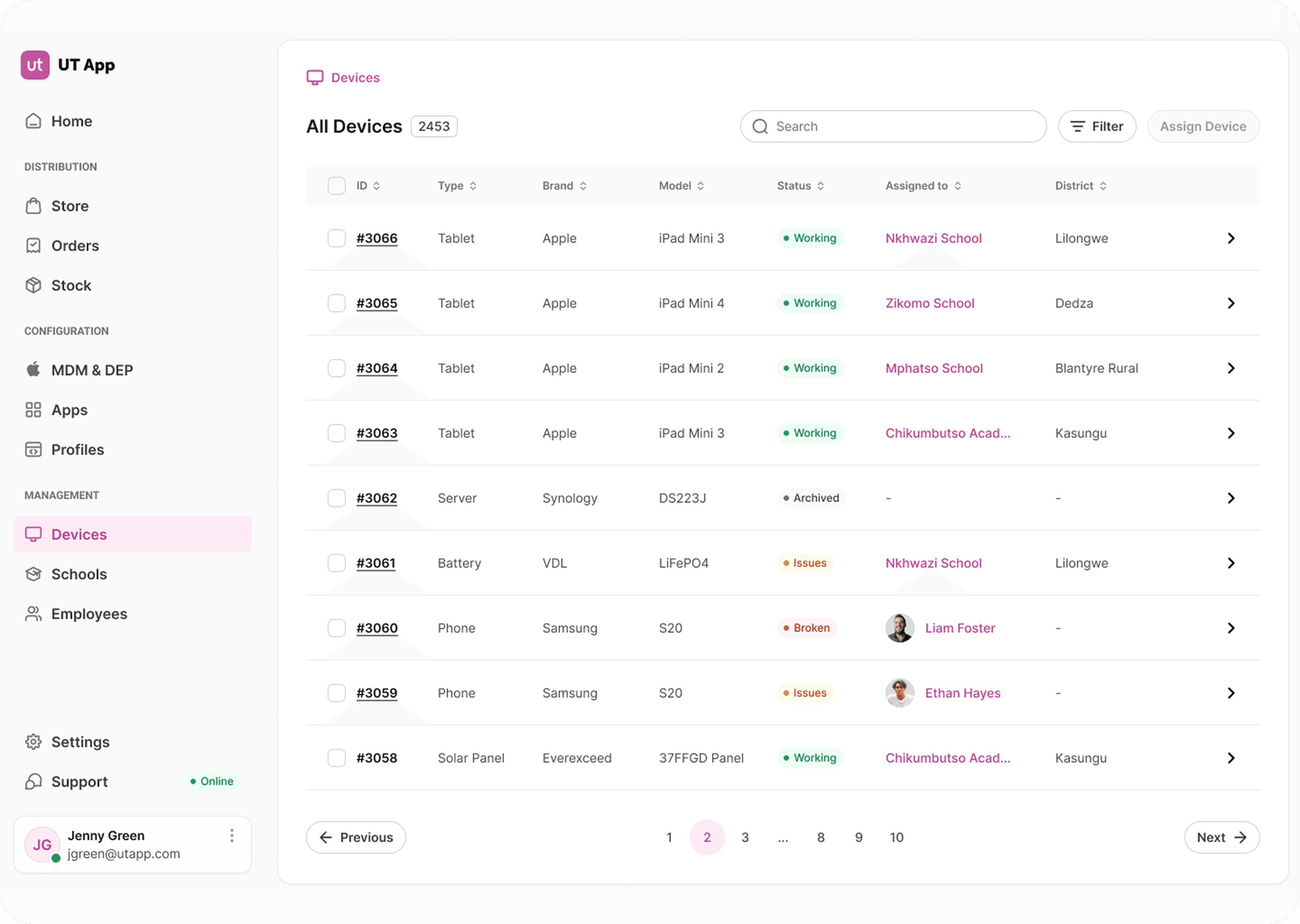
A Mobile Device Management (MDM) system tailored to meet the challenges faced by schools in Africa. This solution integrates efficient device management, offline capabilities, and secure tools for education, empowering teachers and administrators to focus on delivering quality learning experiences.
Fit
After a value proposition canvas, the proposed MDM system directly addresses the pains (e.g., lack of technical expertise, internet challenges) and delivers key gains (e.g., efficiency, security, offline access), making it a highly relevant solution for EdS and teachers in schools.
Key features ideas
User journey
Buying
- IT
I want to track device serial numbers to manage inventory.
- IT
I want to confirm deliveries to verify purchase accuracy.
- Teacher
I want to check devices availability.
- EdS
I want to verify device standards for classroom use.
- IT
I want to log purchase dates and warranties.
Deployment
- IT
I want to track progress to ensure timely distribution.
- Teacher
I want pre-configured devices for immediate use.
- IT
I want to notify EdS when devices are ready.
- EdS
I want smooth deployment to integrate devices into lessons.
- IT
I want to check device configurations.
Status
- IT
I want to monitor device health to prevent issues.
- Teacher
I want to check device status.
- IT
I want alerts to address problems quickly.
- EdS
I want to check performance for classroom support.
- Teacher
I want notifications for device status.
Replacement
- IT
I want to flag faulty devices for replacement.
- IT
I want to track replacement progress.
- Teacher
I want to be notified when my device is replaced.
- EdS
I want fast replacements for teachers.
- IT
I want a log for replacement reasons.
Information architecture
- IT (Admin): Full access to system features (multi-school management, devices, and users).
- EdS: Limited access to assigned schools and devices.
- Teachers: Restricted to a single school and its devices.
Solution

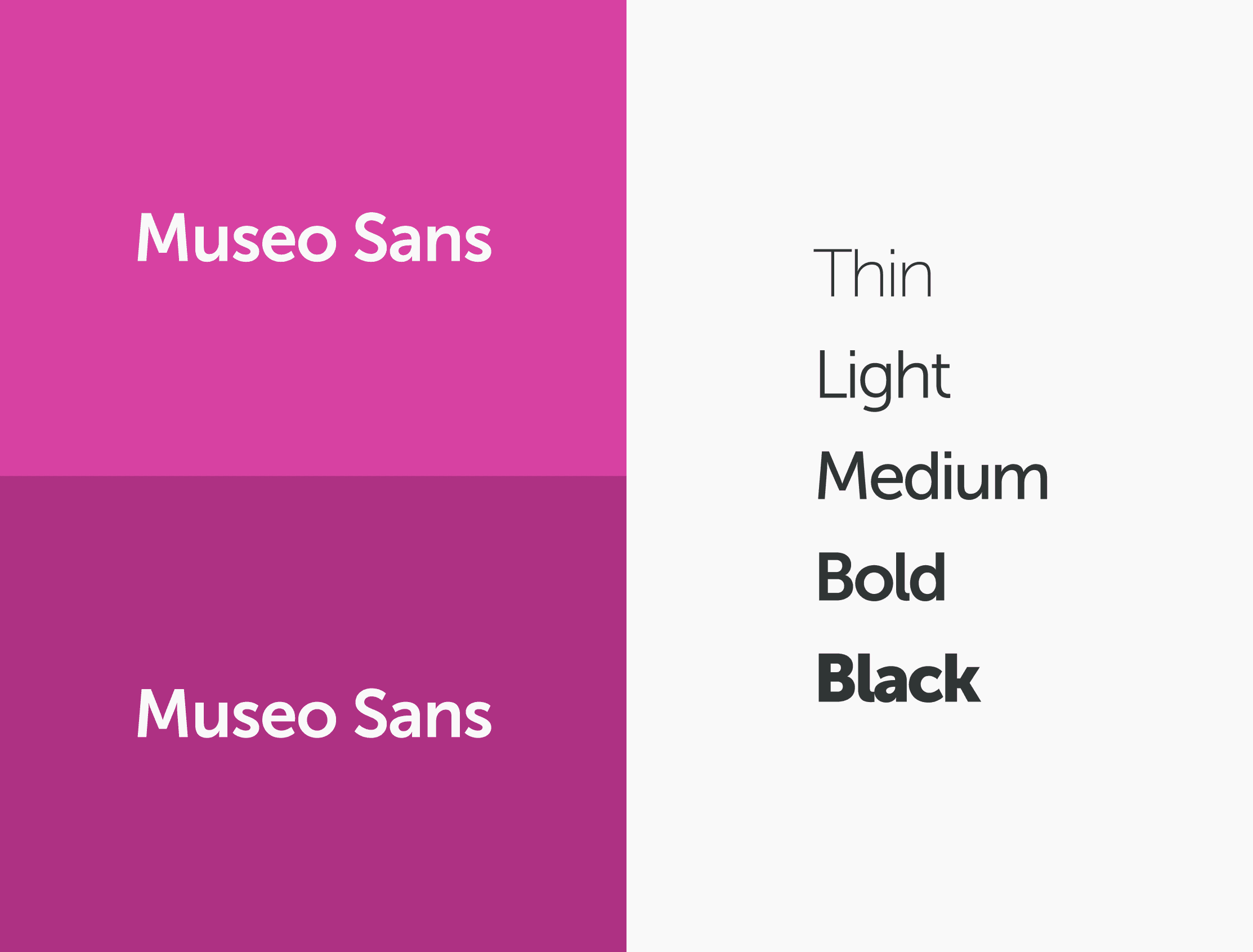
Validation plan
UT App is a concept. Testing with real users wasn’t possible because of Covid, so there are no test results to report. This section shows how I would validate it.
| Method | What it checks | Participants | Measures |
|---|---|---|---|
| Task-based usability test | Whether the core flows can be completed without help | IT admins, EdS, teachers | Time on Task, Error Rate |
| System Usability Scale survey | How easy the system feels to use | IT admins, EdS, teachers | System Usability Scale |
| Offline test | Whether devices stay usable with limited or no internet | Teachers in a school | Tasks completed without connectivity |
| Tree test | Whether the information architecture matches how each role looks for things | IT admins, EdS, teachers | Findability of pages by role |
Tasks to run
Core tasks
- Allocate a device to a school.
- Update a user’s data.
- Track a lost device.
Offline
- Complete a task with no internet connection.
How each KPI would be measured
Time on Task
Timed while participants complete the core tasks, then compared with how long the same tasks take today, with everything on a whiteboard.
Error Rate
Errors counted during the tasks and, in a pilot, the number of lost devices compared with before.
System Usability Scale
A standardized survey after the test. The score is the measure itself.
Next steps
UT App started from three problems: a very small IT team, a whiteboard instead of a tool, and unreliable internet. The concept answers them with one system, with separate access for IT, educational specialists and teachers, offline support, and a design system to keep it consistent as it grows.
What I’d do next
Now
2Usability test of the core flows
Allocate a device, update a user, track a lost device.
Fix what the test finds
Before anything is built.
Next
2Pilot in a single school
Test offline behaviour in the field
Later
2Measure the three KPIs
Against the whiteboard baseline.
Extend to more schools